
Mobile Features
Everything you need for recording in the field — designed for phones and tablets running iOS and Android.
Excavata Mobile is currently in private beta. iPhone testing is being conducted through Apple TestFlight with invited testers ahead of general release.
Register your interestField Recording
Structured forms for every recording scenario your project requires.
- ●Layers & spits with customisable attributes
- ●Context recording with stratigraphic relationships
- ●Surface survey data collection
- ●Standing-building & structural recording
- ●Rock art panels & motifs — technique, pigment and iconography
- ●Configurable recording templates
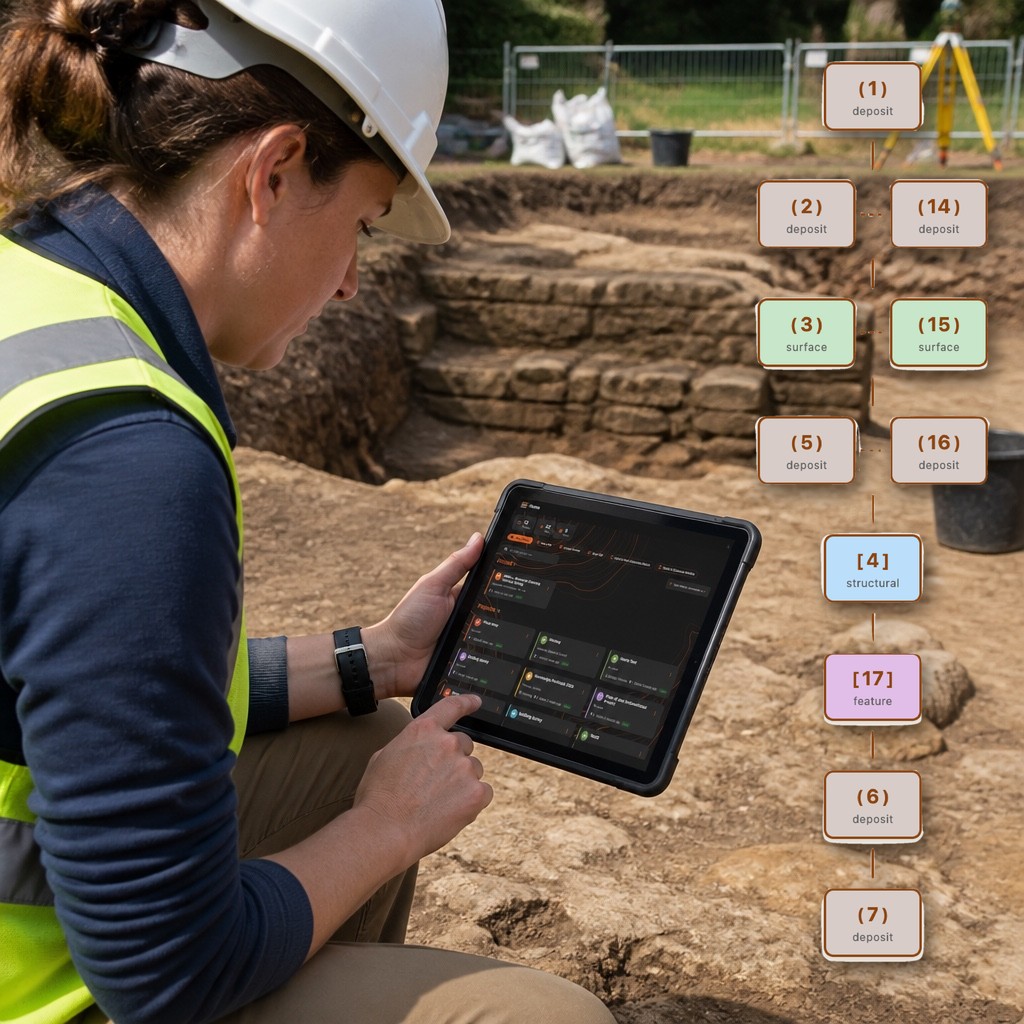
Artifact & Sample Cataloguing
Log finds and samples on the spot with full metadata capture.
- ●Artifact registration with material, type, and dimensions
- ●Soil & environmental sample tracking
- ●Barcode / QR code scanning for bag labels
- ●Linked to parent context automatically
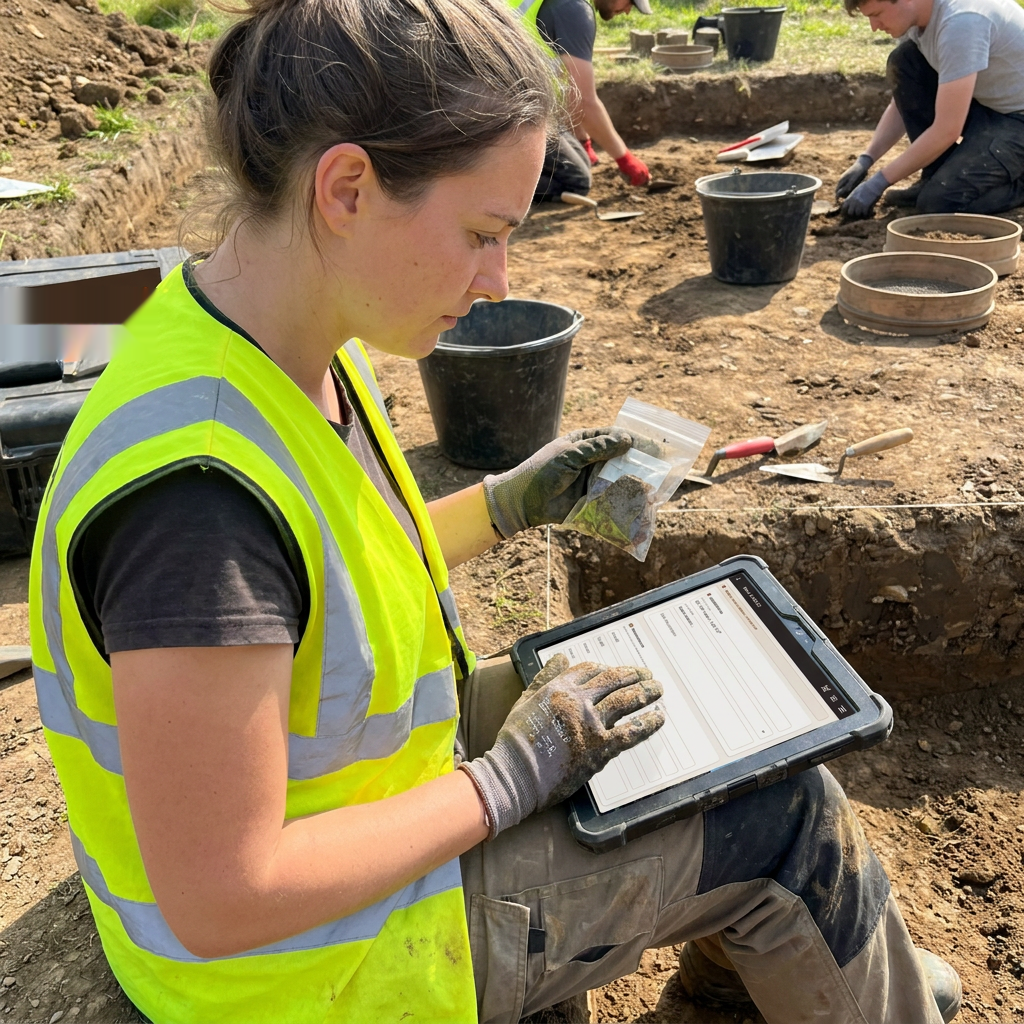
Photo Documentation
Capture and organise excavation photographs with embedded location data.
- ●Photo and video capture in the field
- ●3D scanning of finds and features (photogrammetry)
- ●Automatic GPS coordinate tagging
- ●Compass bearing and direction metadata
- ●Captions and free-text notes per photo
- ●Link photos to any record — contexts, artefacts, samples, features, human remains
- ●Hierarchical organisation by site structure
- ●Gallery view with search and filtering
- ●Backed up to the cloud and synced across devices
Built-In Field Tools
Essential reference guides and calculators, right in the app — no extra books or apps needed.
- ●Dumpy-level (reduced-level) calculator
- ●Stadia-distance calculator
- ●Scale converter (1:20, 1:50, custom)
- ●Right-angle / square layout calculator
- ●Digital compass with bearings
- ●GCP target generator
- ●Photo board generator
- ●Rim & diameter chart for pottery
- ●Munsell colour guide
- ●Soil texture guide
- ●Soil grain-size reference
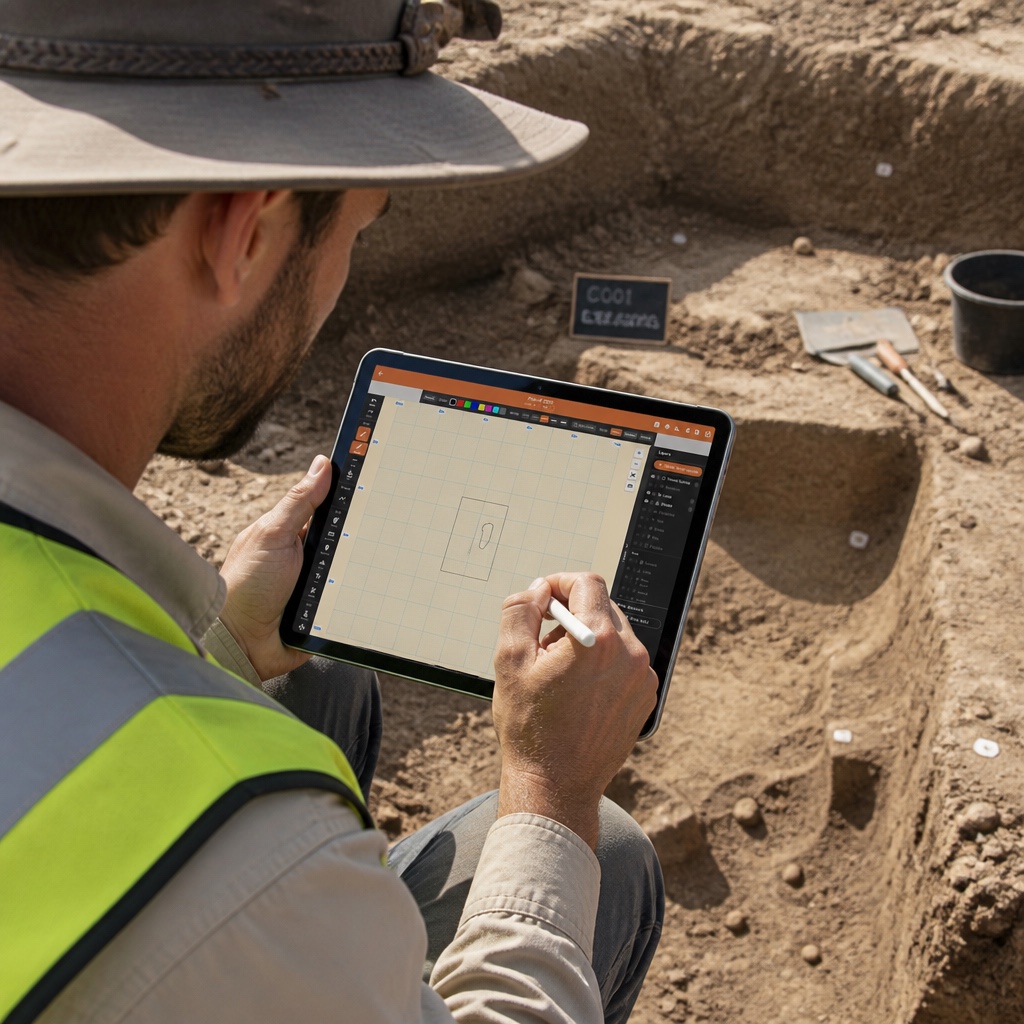
Plan Drawing Tool
Draw scaled archaeological plans directly on your tablet.
- ●Freehand and shape drawing tools
- ●Import photos or scanned maps to draw over
- ●Snap-to-grid and scale bar support
- ●Layer-based drawing management
- ●Export drawings as SVG or image
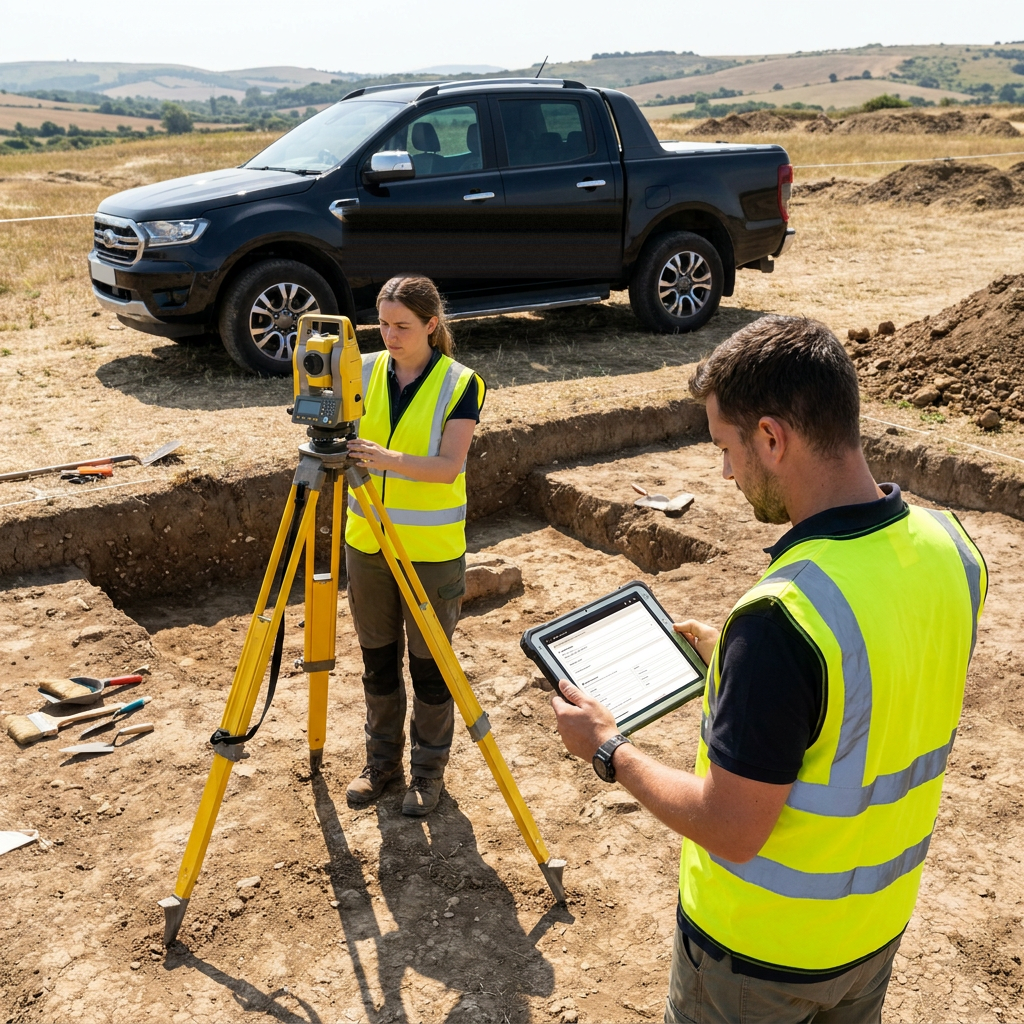
Total Station Integration
Connect to your total station over WiFi for live spatial data capture.
- ●Live WiFi connection to supported total stations
- ●Real-time point plotting on site plans
- ●Automatic coordinate assignment to contexts
- ●Point cloud import/export
Team Sync
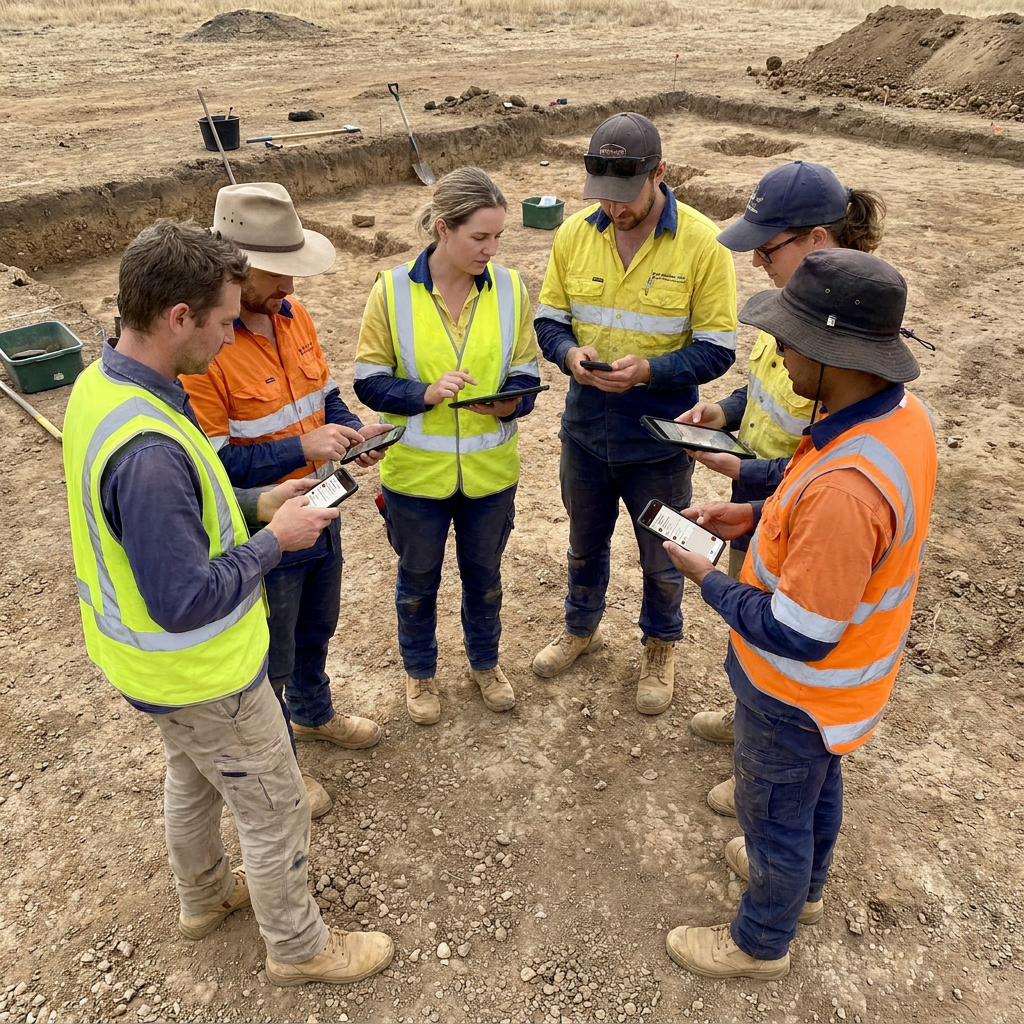
Share records between team members on site, with no internet connection.
- ●One device acts as the Project Hub; others join by scanning a QR code
- ●Runs on your team’s own iPhones, iPads and Android phones, mixed freely
- ●Device to device over Wi-Fi or a phone hotspot
- ●Each device numbers records from its own block, so offline work never clashes
- ●Edits made on two devices are shown side by side for you to choose
- ●Each transfer is confirmed, so you know what arrived
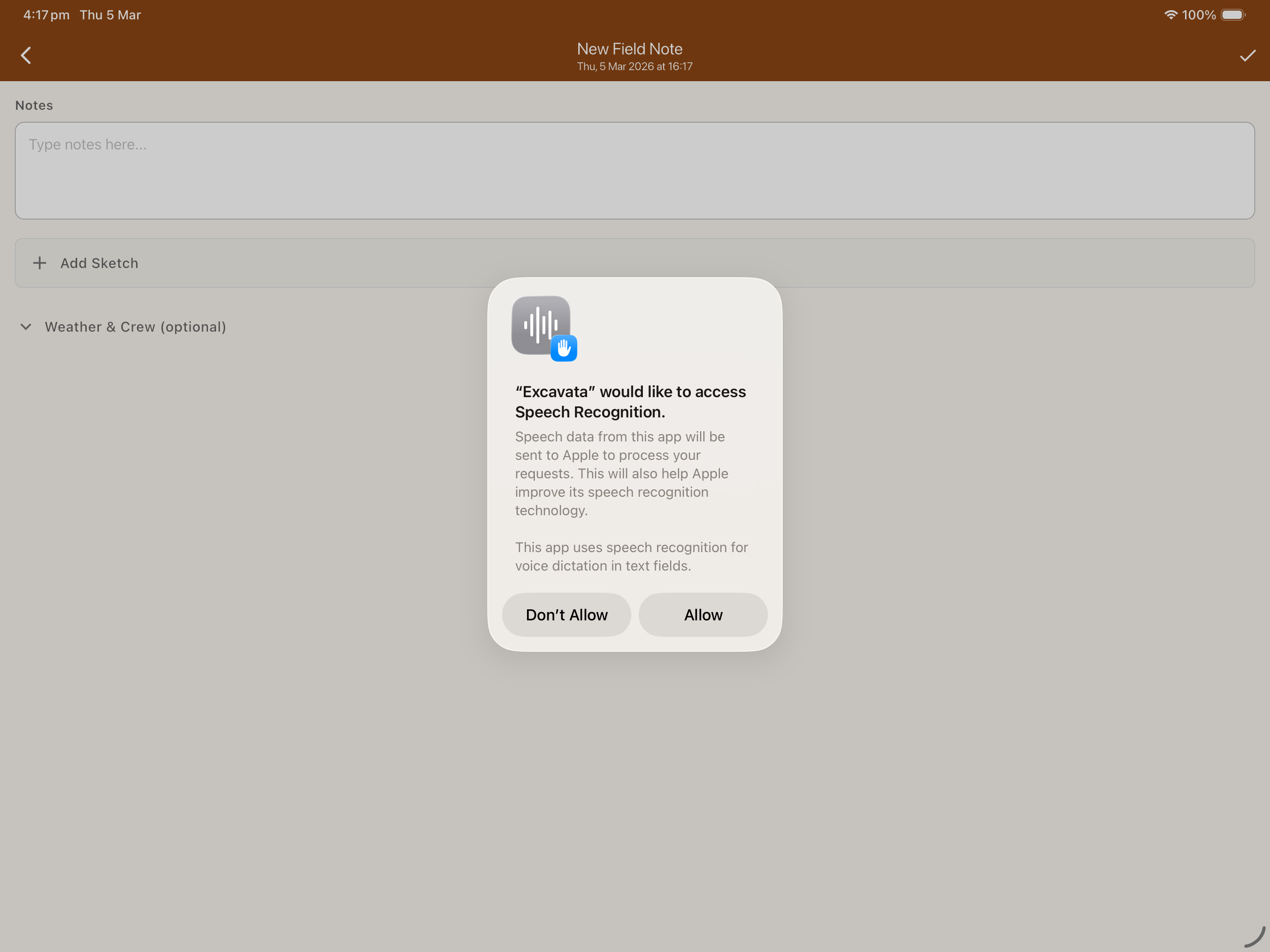
Speech-to-Text Voice Input
Dictate field notes and descriptions hands-free while you work.
- ●On-device speech recognition
- ●Works offline — no internet needed
- ●Automatic punctuation and formatting
- ●Inline editing after dictation
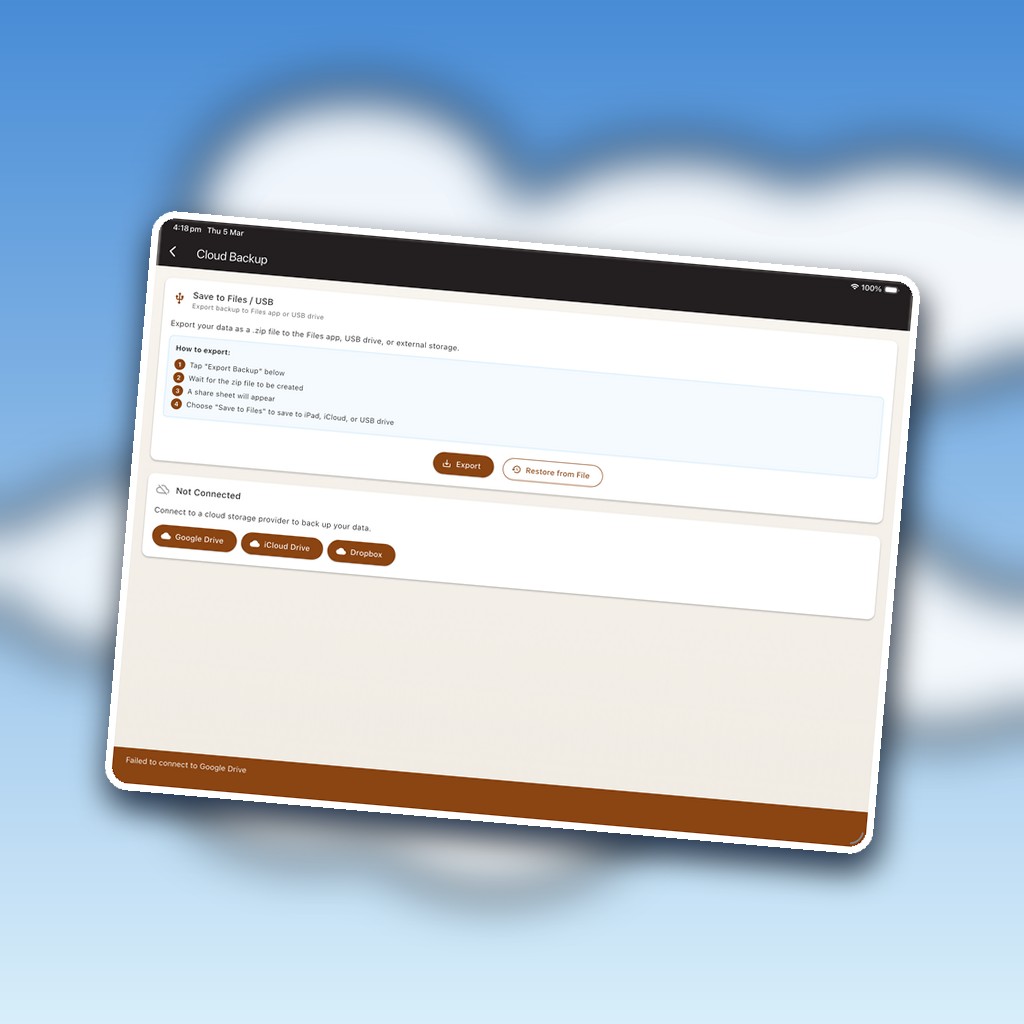
Cloud Backup
Back up to your own cloud account — you choose where your data lives.
- ●Google Drive, iCloud, Dropbox, OneDrive, or WebDAV
- ●Your data stays in your account — Excavata runs no servers
- ●Pick the provider that fits your institution's IT policy
- ●Manual or automatic backups; restore to any device
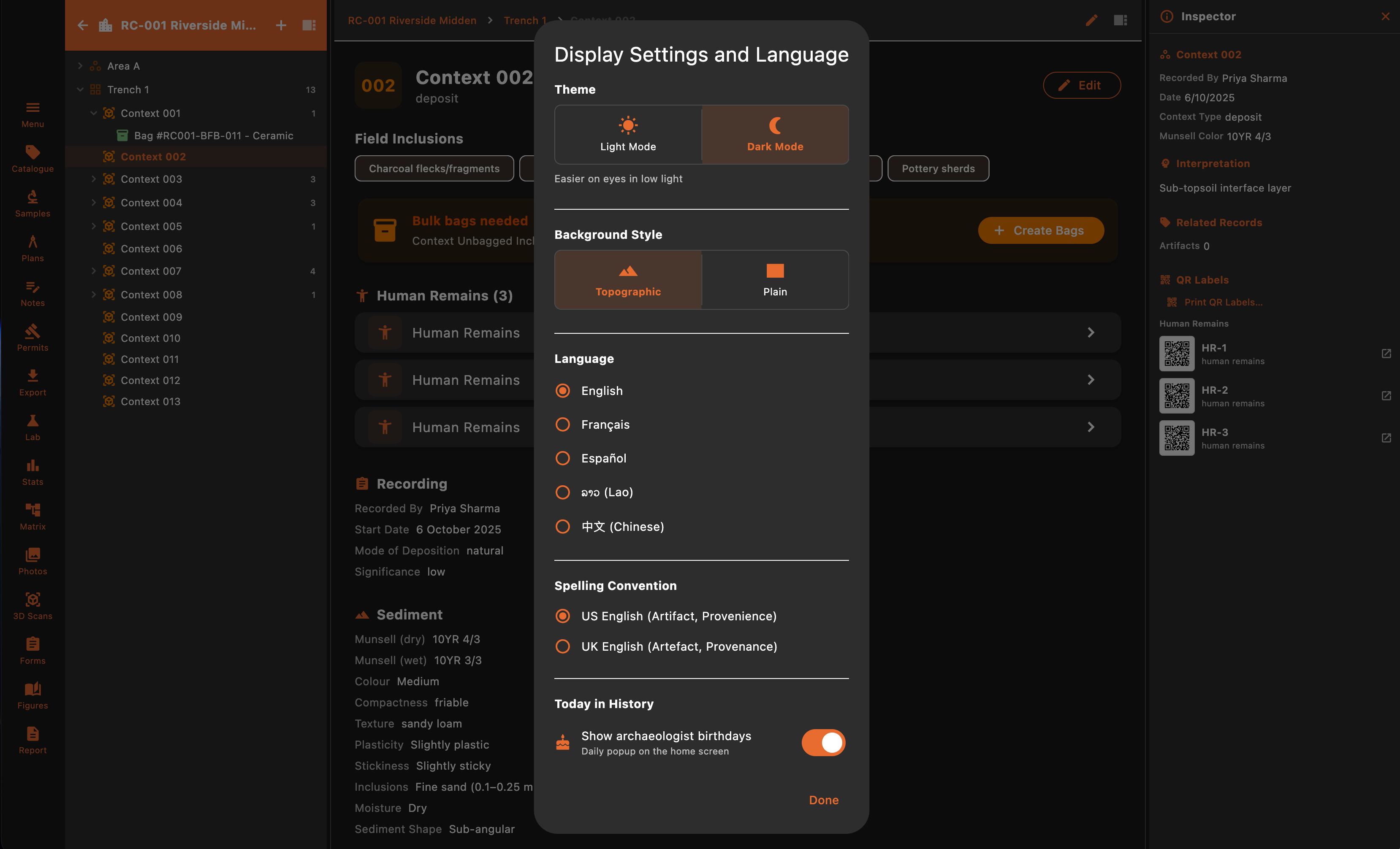
Multi-Language Support
Use Excavata in the language that works best for your team.
- ●English, French, and Spanish interfaces
- ●Localised field labels and terminology
- ●Switch languages per-device
- ●More languages coming soon
Field recording — above and below the waterline
Underwater Archaeology
Archaeological recording doesn't stop at the waterline.
Excavata extends the archaeological record underwater — connecting observations, environmental conditions, recovery events and field teams directly to the wider project.
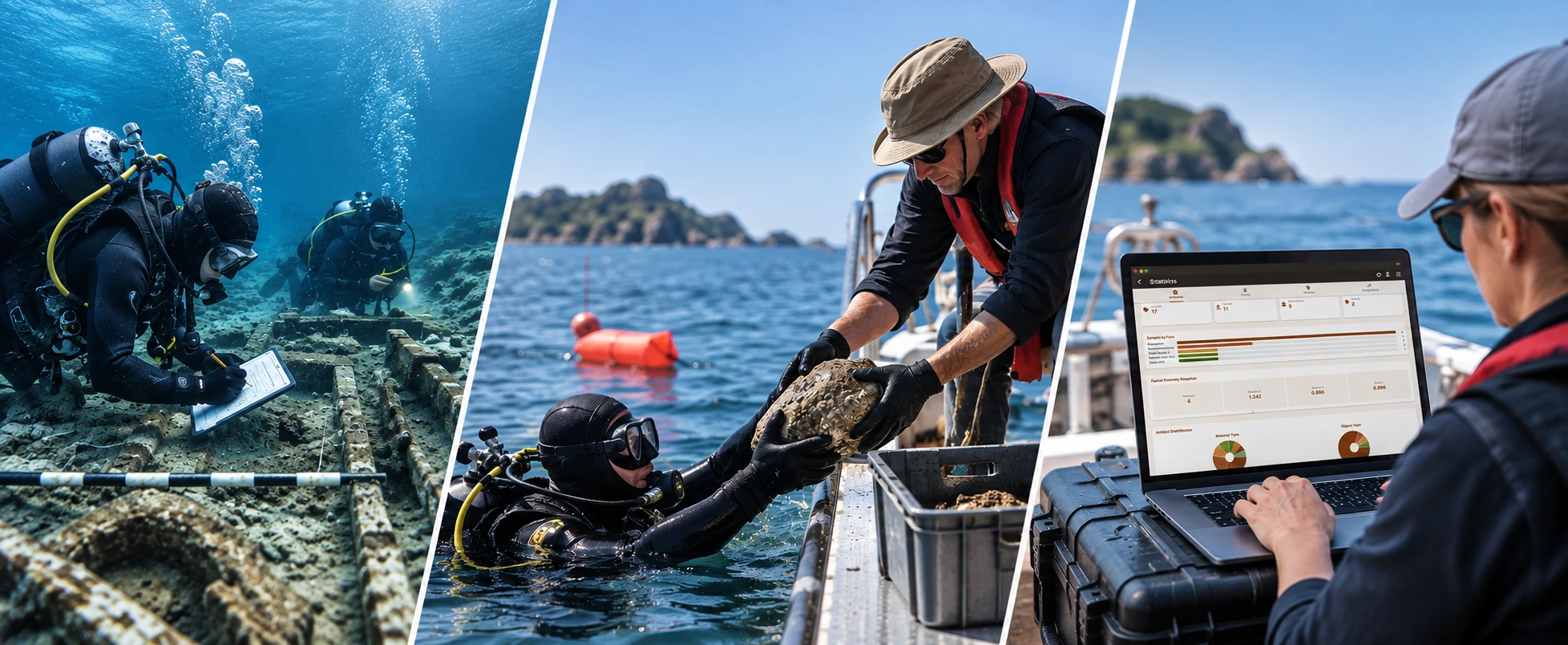
Observe underwater
Depth · temperature · visibility · current · GPS where available
Record recovery
Recovered · sampled · left in situ · method · outcome
Maintain provenance
Observations and recovery events stay linked to the archaeological record
One archaeological record
Field · deck · desktop · connected
Same project. Same archaeological record. Above and below the waterline.
Team working
Work as a team — on your own devices
On a multi-device dig, one device is the Project Hub that gathers everyone's updates. Everything moves device to device over your local Wi-Fi — no internet, no cloud server, and nothing syncing in the background.
- 1
Pick a Hub
One device — a phone, tablet, Mac or Windows machine — acts as the Project Hub and holds the shared site and trench structure.
- 2
Join by QR
Each team member scans the project's invitation QR code to join. No accounts, no sign-in.
- 3
Record offline
Everyone records on their own device. Each device uses its own block of record numbers, so work done offline never clashes.
- 4
Send updates over Wi-Fi
When you're near each other, Send and Receive updates over the same Wi-Fi — a phone hotspot is enough. Transfers are deliberate and one-way; you choose when.
If the same record was edited on two devices, Excavata shows the differences field by field and lets you choose — it never silently overwrites your work.
No fleet of tablets required
Team members use their own iPhones, iPads or Android phones — mixed freely in one team — and the records stay with the project, not the device.
See the desktop side
Excavata's desktop app picks up where mobile leaves off — bulk processing, visualisation, and reporting.
Desktop Features