
Desktop Features
Powerful post-excavation tools for macOS and Windows — analyse, visualise, and report from your lab or office.
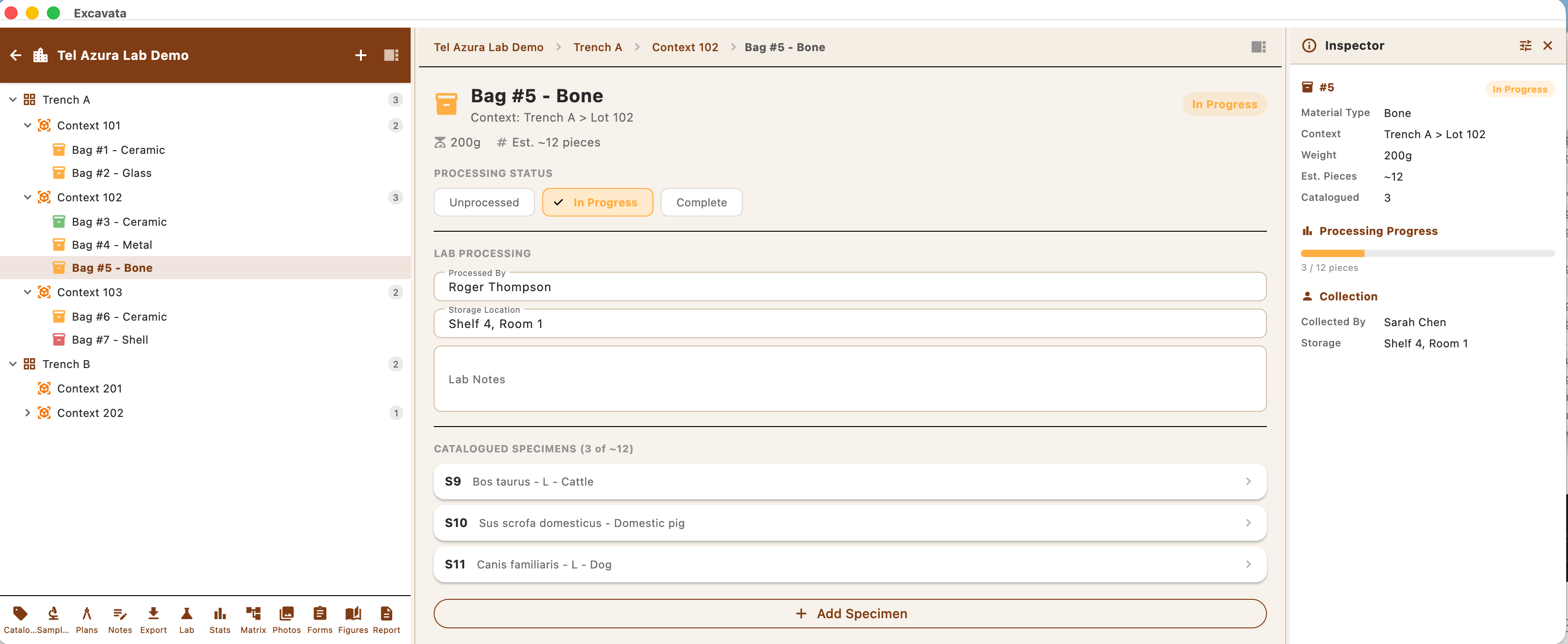
Three-Panel Workspace
An interface designed around how archaeologists actually work with their data.
- ●Navigator panel for browsing the site tree
- ●Central workspace for editing and viewing records
- ●Inspector panel for metadata and relationships
- ●Resizable and collapsible panels
Browse your entire project hierarchy at a glance.
- ●Hierarchical view: Site → Area → Trench → Context
- ●Quick search and filtering
- ●Colour-coded status indicators
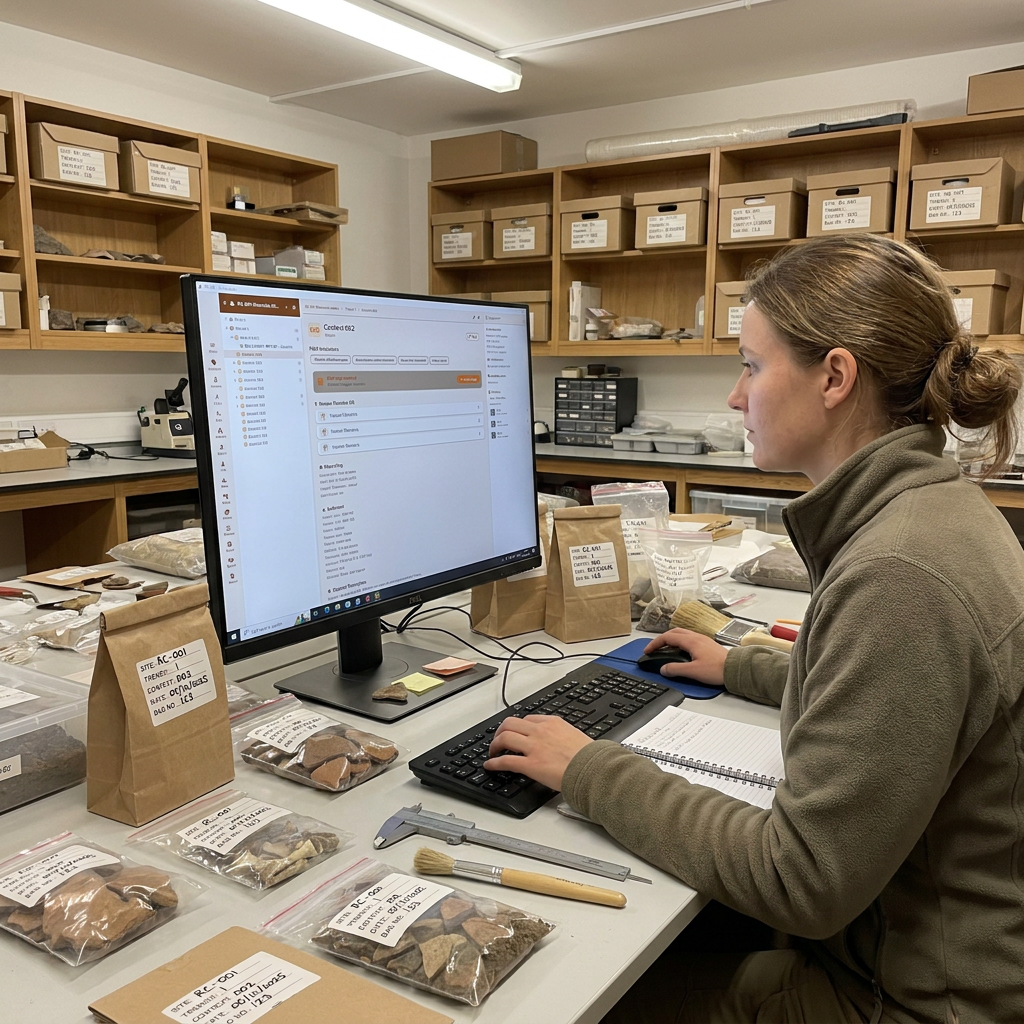
Project Planning & Bids
Scope, cost, and price a project before the first trench — for commercial tenders or academic grants.
- ●Bid calculator with editable day rates
- ●Costs, rates, and consumables libraries
- ●Staff, labour log, and field-trip planning
- ●Invoicing, budgets, and grant tracking
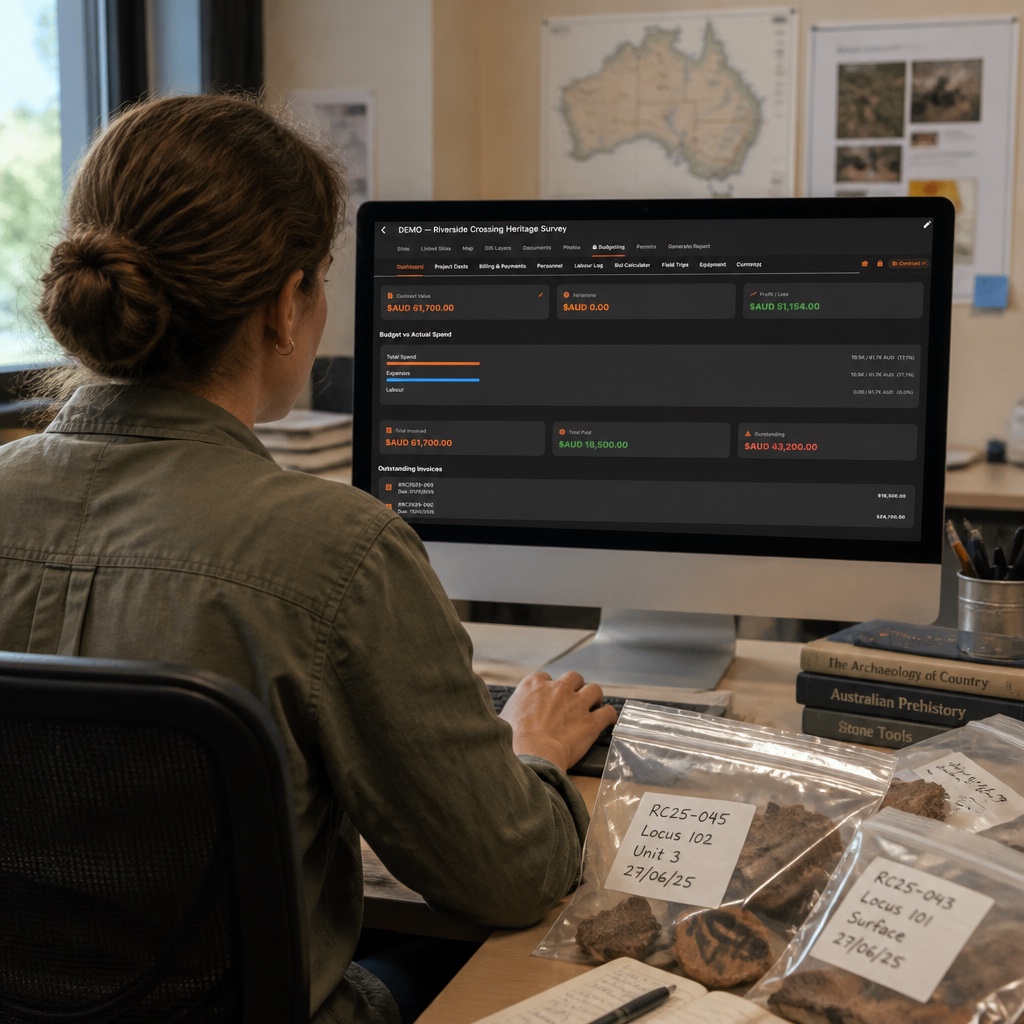
Bulk Lab Processing
Process large volumes of finds and samples efficiently in the lab.
- ●Batch artifact recording and classification
- ●Spreadsheet-style bulk editing
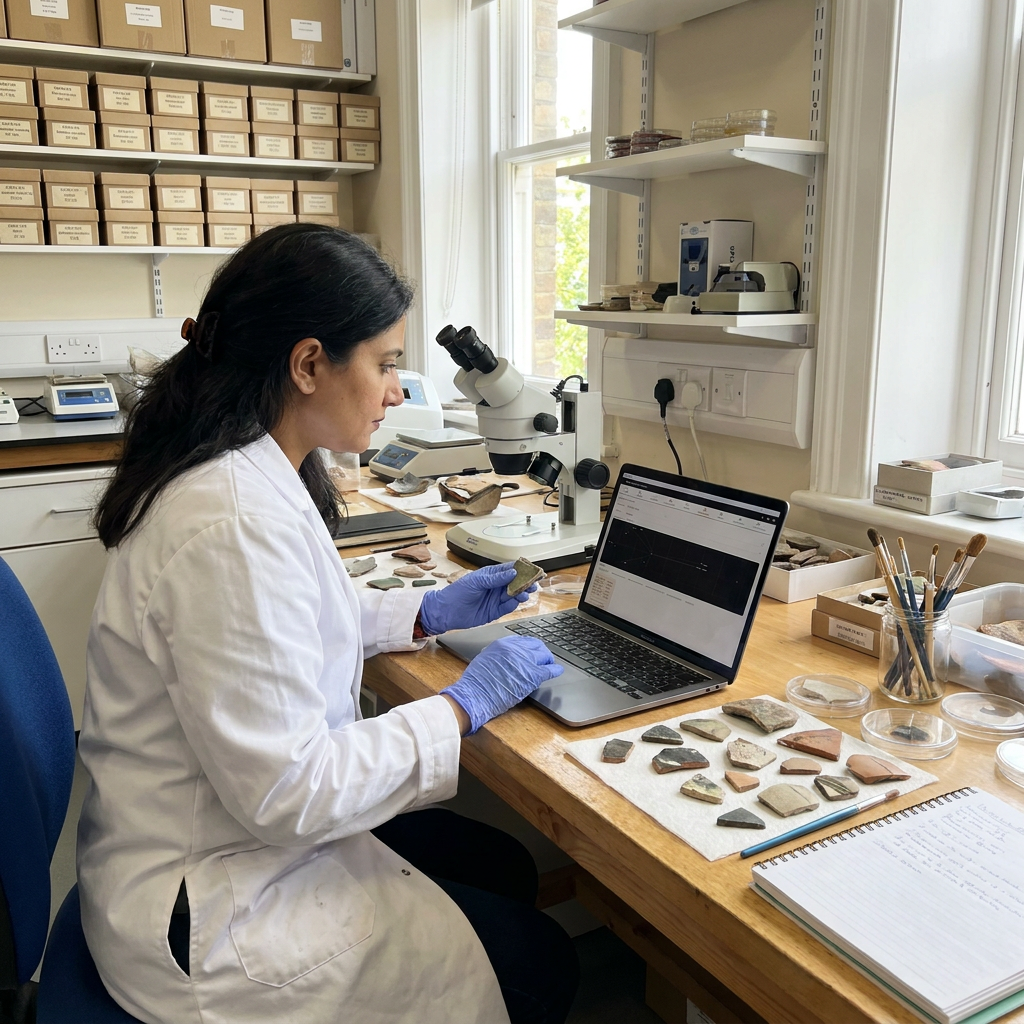
- ●Weight, count, and measurement entry
- ●Lab workflow status tracking
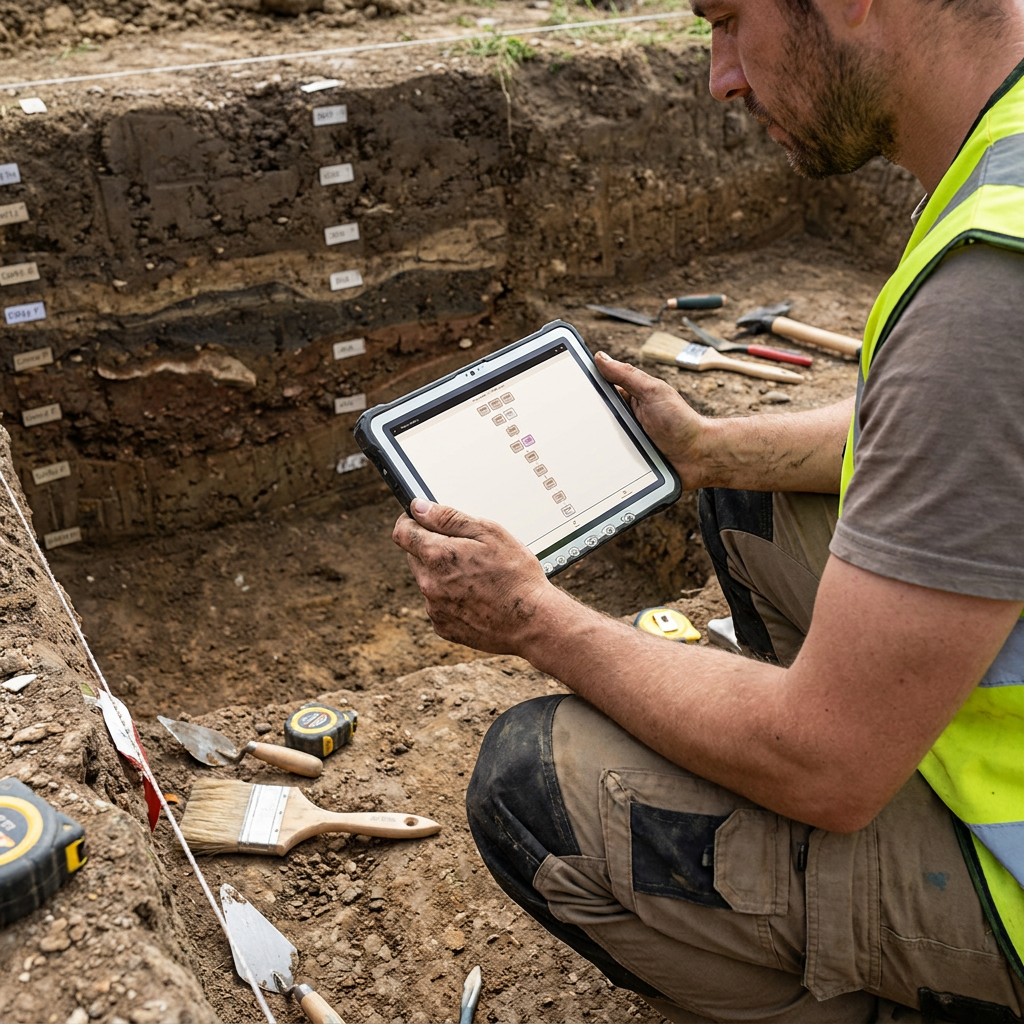
Harris Matrix Visualisation
Automatically generate stratigraphic diagrams from your recorded relationships.
- ●Auto-generated Harris Matrix from context data
- ●Interactive zoom, pan, and selection
- ●Highlight phases and groupings
- ●Export as SVG or PDF
Statistics Dashboard
An eleven-tab quantitative-analysis workspace that runs on your recorded data — no export to a separate statistics package.
- ●Overview, Faunal, Archaeobotanical, Palynology, Environmental, Isotope, Archaeometry, Artefacts, Comparisons, Human Remains and Chronology tabs
- ●Diversity, ubiquity, chi-square, PCA, biodistance, radiocarbon and spatial statistics
- ●Charts, biplots, box plots and heatmaps you can read and export
- ●See the full picture on the Analysis page
Report Assembler
Build publication-ready reports directly from your project data.
- ●Drag-and-drop report sections
- ●Auto-populated tables and summaries
- ●Inline figure placement
- ●Template support for different report styles
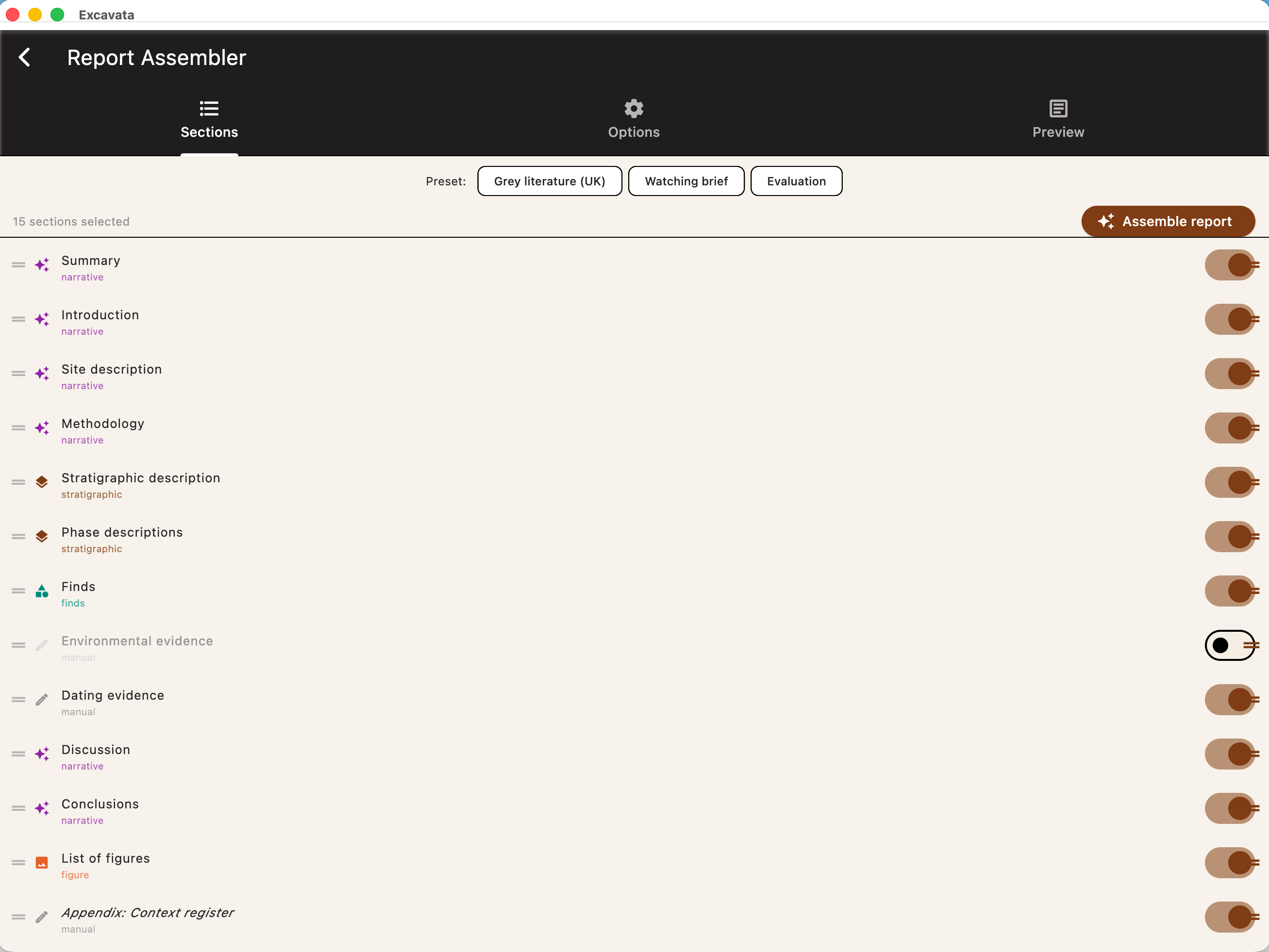
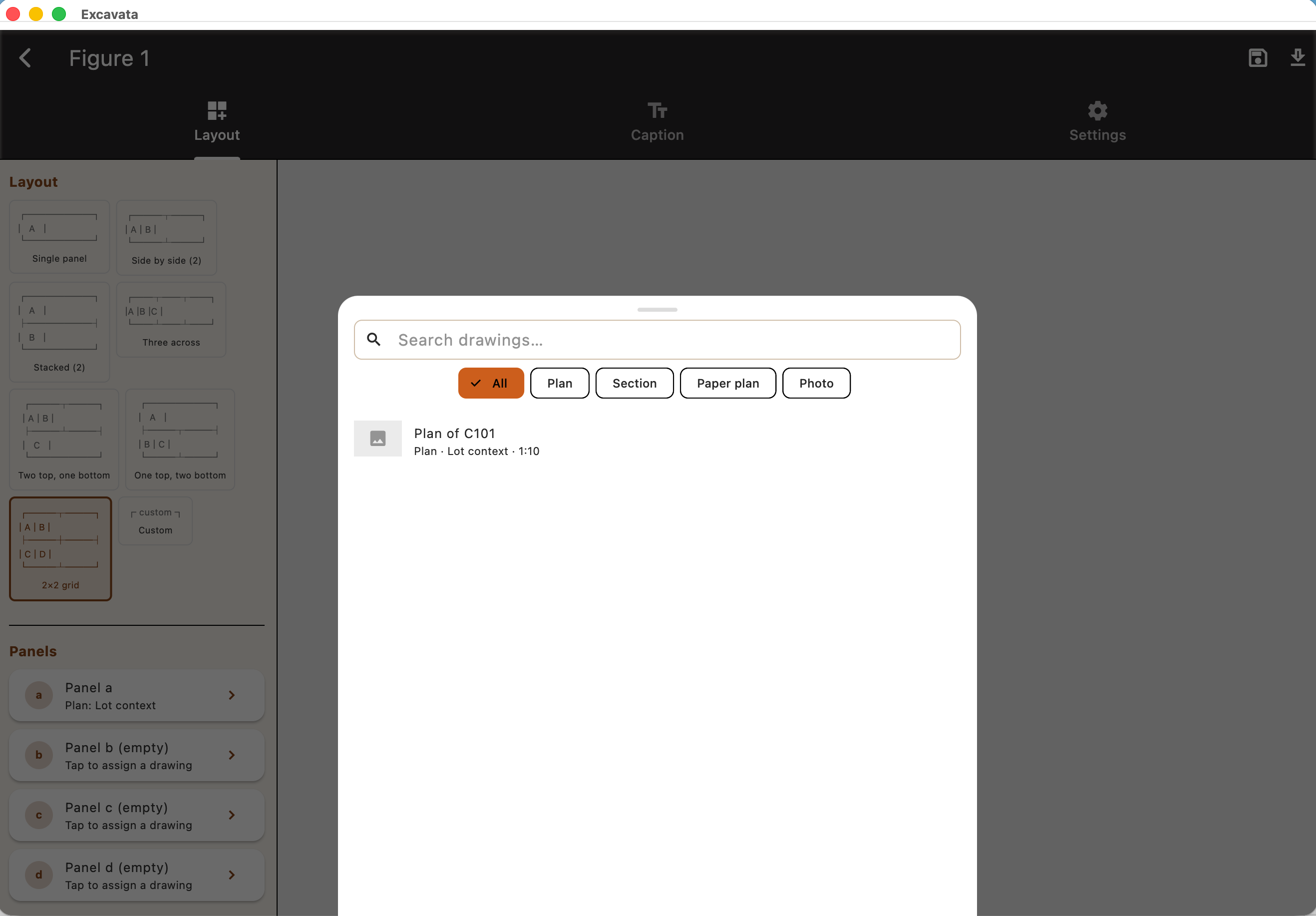
Figure Management
Organise, annotate, and prepare figures for reports and publications.
- ●Figure numbering and captioning
- ●Annotation and markup tools
- ●Batch export in multiple formats
- ●Link figures to contexts and records
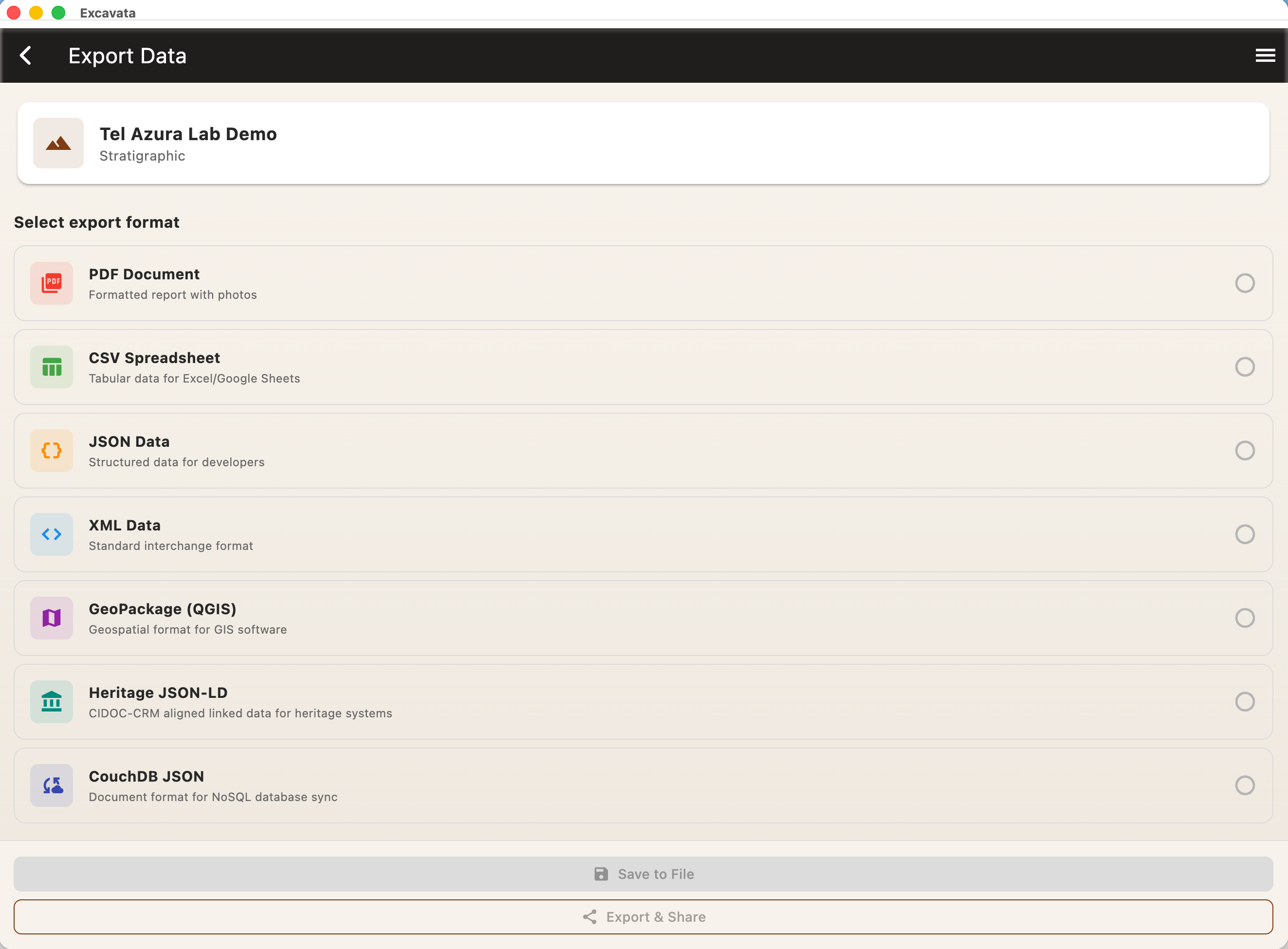
Export Capabilities
Get your data out in the format you need — open and interoperable.
- ●PDF reports with embedded figures
- ●CSV for spreadsheet analysis
- ●JSON and XML for archival and interoperability
- ●GeoPackage and Shapefile for GIS (opens in QGIS, ArcGIS)
- ●SVG for vector graphics and plans
Desktop apps are in private beta
Excavata for macOS and Windows is currently being tested with selected archaeologists and heritage professionals.
General downloads will become available following beta testing. In the meantime, register your interest and we'll keep you posted.
Start in the field
Excavata mobile captures data on-site, then syncs seamlessly with the desktop app for post-excavation work.
Mobile Features